See every pixel your PR changed
A GitHub Action that posts pixel diffs of production against your preview deploy on every pull request.
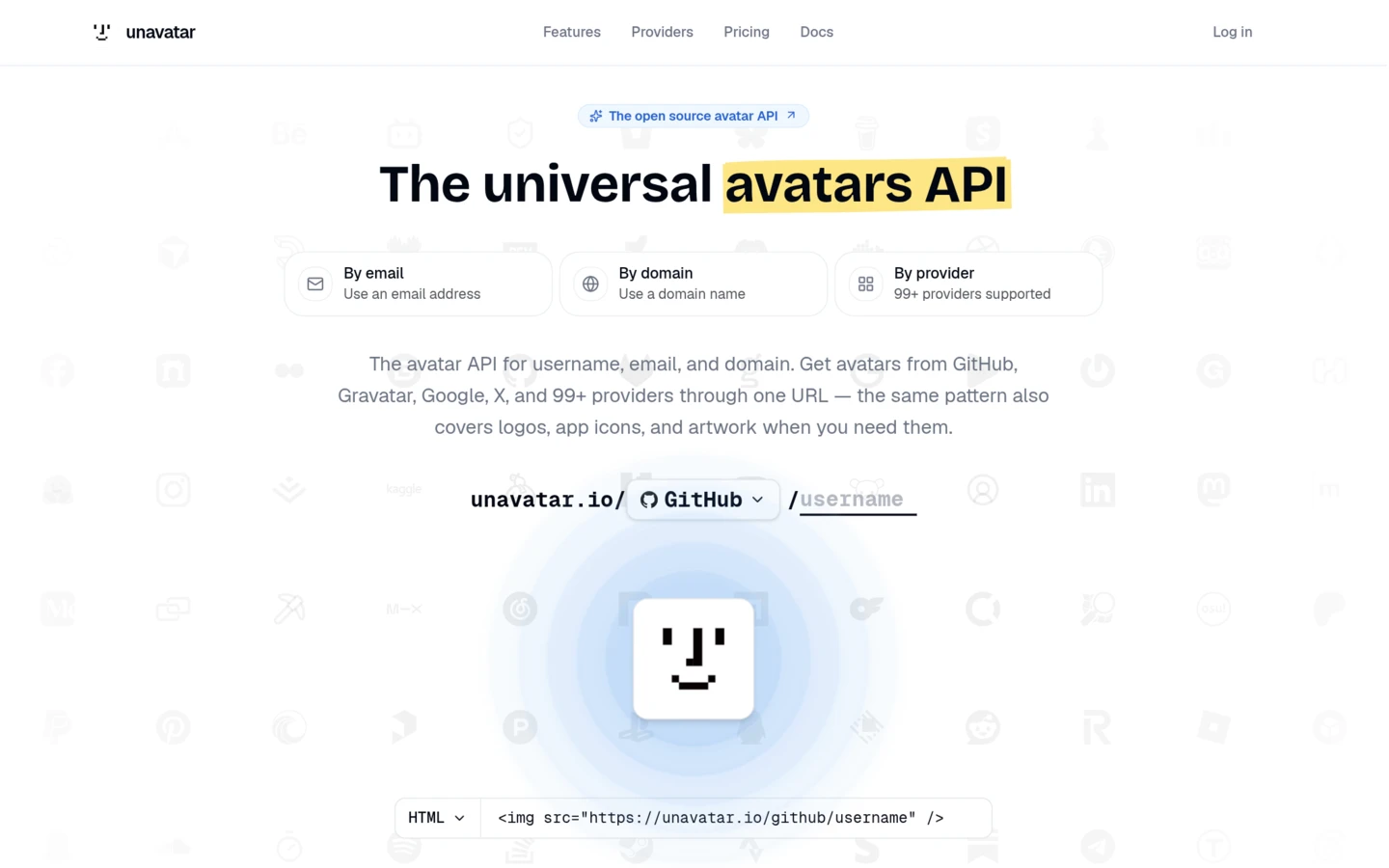
Production
The page as it is today.
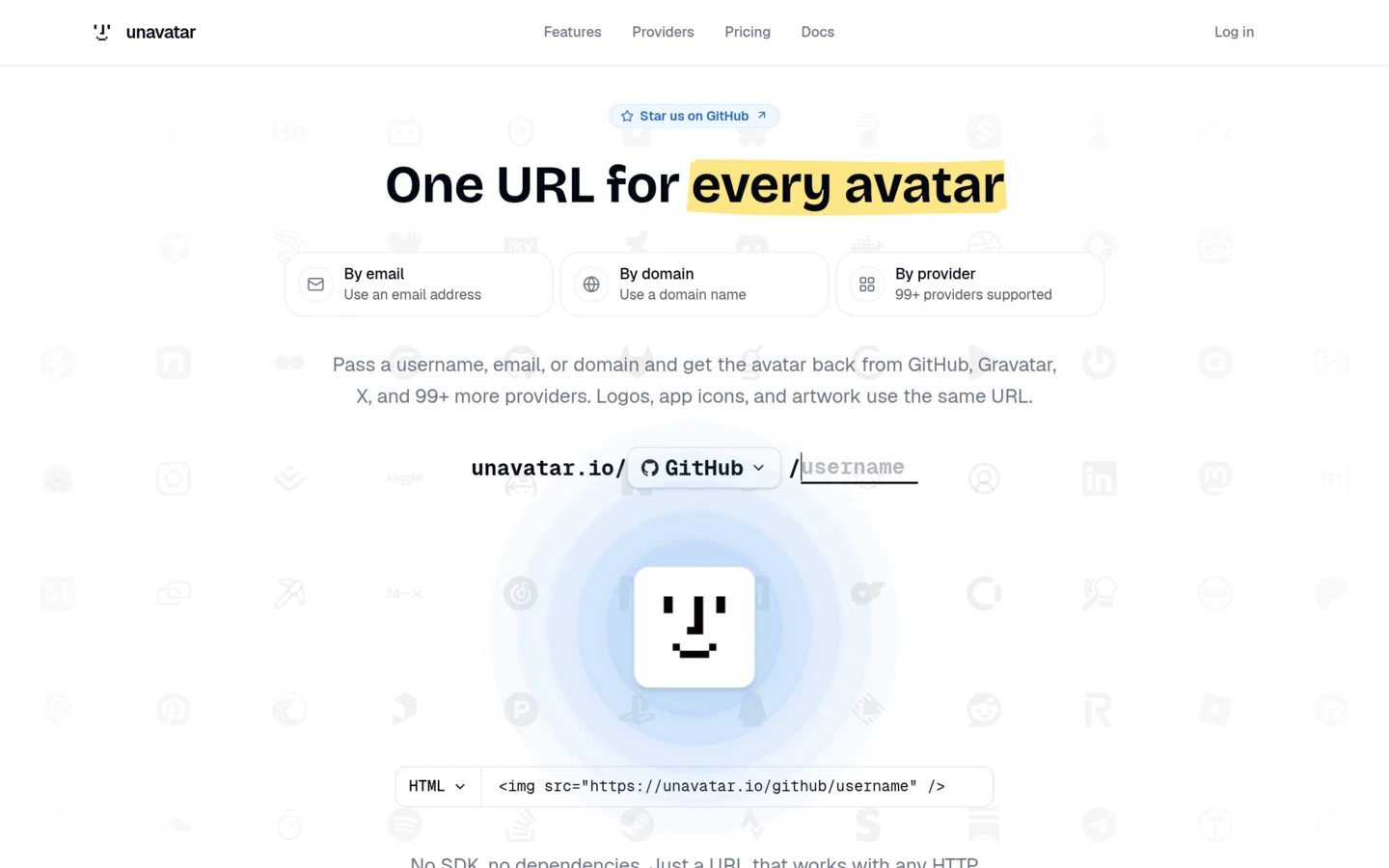
Preview
The page as this change ships it.
No screenshots at hand? Use a real pair.
Try a real example
Every PR gets a visual diff
Code review shows you the lines that changed. difftool shows you the page they changed, next to the one your users see today.
Waits for your preview
With head set to vercel, the action polls the deployment for the PR's head commit and starts the moment it is ready. Any other host works with a plain URL.
Screenshots both deploys
Microlink renders every route you list as a full-page screenshot, once on production and once on the preview, with the same browser and viewport.
Compares them pixel by pixel
Each pair is diffed and scored against your threshold: under it passes, a little over warns, far over fails the check.
Comments once, keeps it fresh
One sticky comment on the pull request, rewritten on every push. When the PR closes, its screenshots are deleted from your bucket.
 github-actions commented on #192
@microlink/difftool visual comparison
base unavatar.io · head unavatar-5xos75mnn-microlink.vercel.app
1/2 routes with warnings
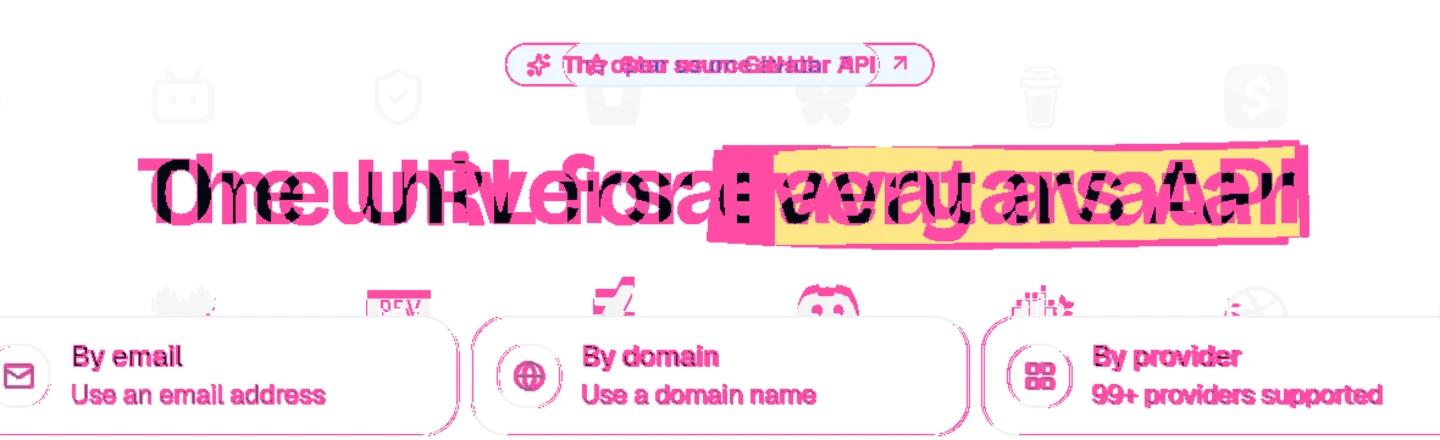
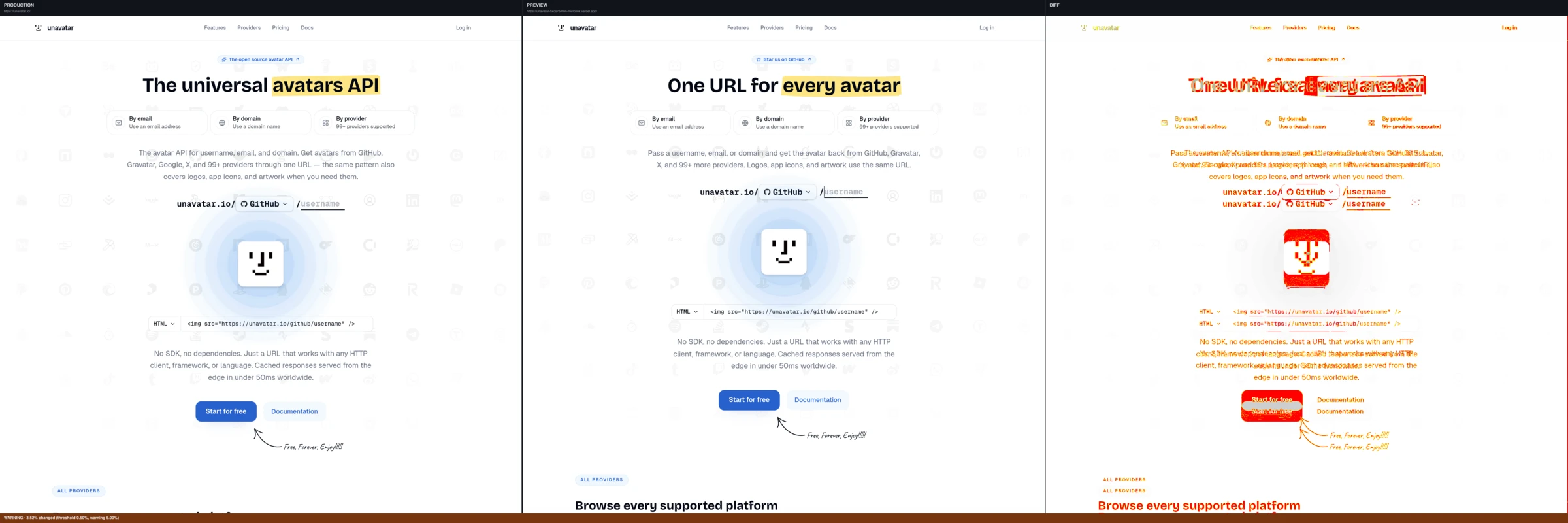
Five ways to read a change
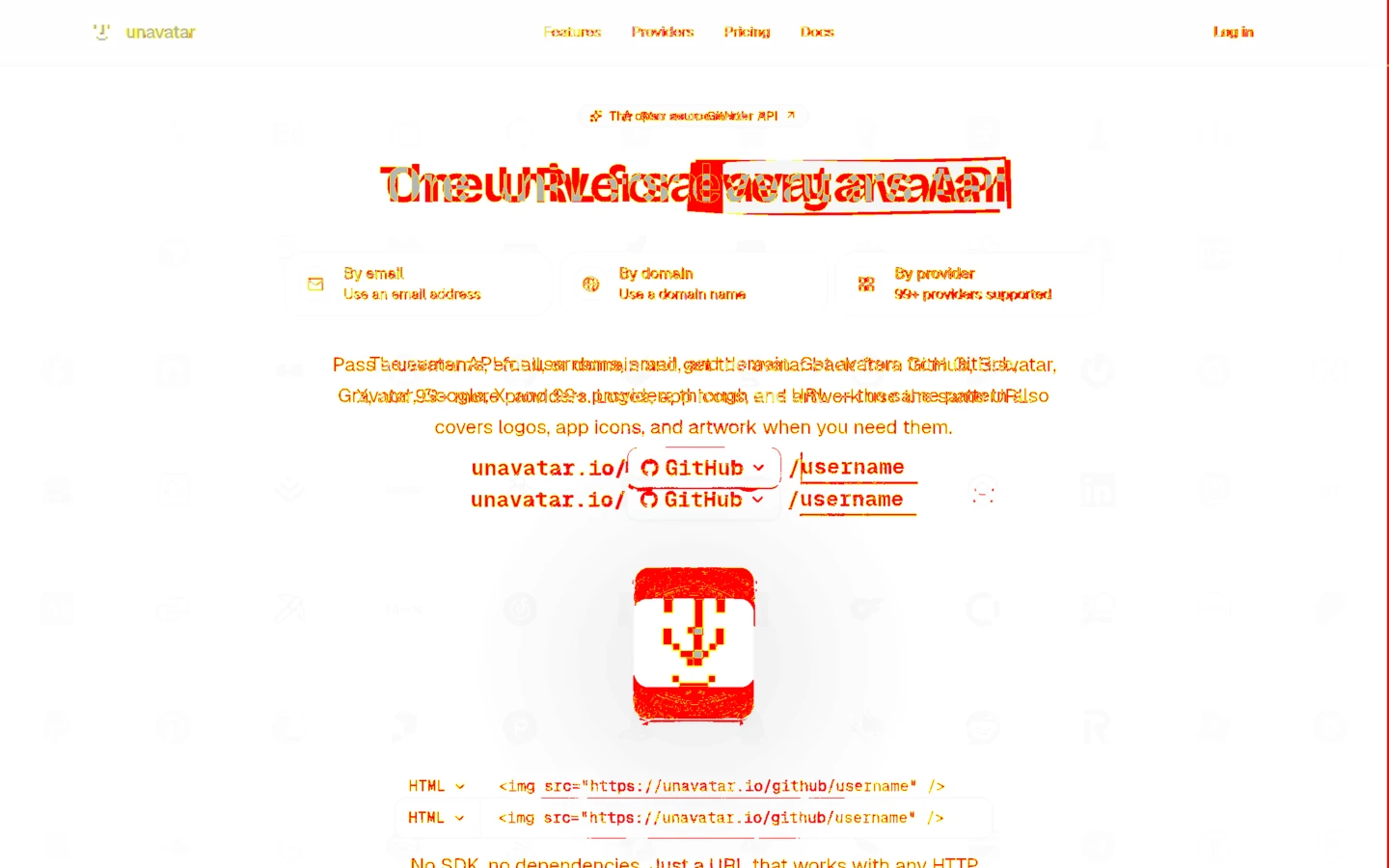
Every compare link in the comment opens here. This is the pull request from above: a new badge, headline and intro on unavatar.io, and everything under them moved up. Switch modes and watch it change.
A curtain between the two. Drag it across the part you care about.
Add it to your project
Answer four questions and copy one workflow file. The action finds the preview, takes the screenshots and cleans up after the pull request closes.
Point it at your site
Production is what your users see today. The preview is what this pull request would ship.Preview deploys
/
Decide how strict it is
A route passes while at most 0.1% of its pixels change. Up to 5% it is a warning; beyond that the check fails.Give it a bucket
Screenshots go to an S3-compatible bucket you own, so private repos stay private. Save this as a repository secret namedS3_CONFIG.S3_CONFIG{ "endpoint": "https://<account-id>.r2.cloudflarestorage.com", "region": "auto", "accessKeyId": "...", "secretAccessKey": "...", "bucket": "difftool-assets", "forcePathStyle": true}Commit the workflow
Push this file and open a pull request. The comment appears as soon as the preview is ready..github/workflows/visual-diff.ymlname: Visual diffon: pull_request: types: [opened, synchronize, reopened, closed]permissions: pull-requests: write deployments: readjobs: visual-diff: runs-on: ubuntu-latest steps: - uses: microlinkhq/difftool@master with: base: https://example.com head: vercel routes: | - '/' microlink-api-key: ${{ secrets.MICROLINK_API_KEY }} s3-config: ${{ secrets.S3_CONFIG }}
Or hand the setup to a coding agent: the prompt carries your answers above, and any LLM with access to your repository can install difftool from it.
Questions
Something else? Open an issue on GitHub and it will get an answer.
Does it work on private repositories?
Yes. Screenshots are uploaded to your own bucket and the comment links to pre-signed URLs, so anyone who can see the pull request can open them while the bucket stays private. The links expire after 24 hours by default and are refreshed on every run.
I don't deploy previews on Vercel.
Pass any URL as head instead of vercel. If your host gives each pull request its own address, work it out in an earlier step of the job and hand it to the action.
What happens when a page is meant to change?
Small changes come back as warnings and the check stays green. A redesign changes more than 5% of the page and fails it, which is the point: someone has to look. Open the compare link, confirm it is the change you wanted, and merge. For pages that are always noisy, raise threshold and warning-threshold in the workflow.
Which storage can I use?
Anything that speaks the S3 API: Cloudflare R2, AWS S3, Backblaze B2, MinIO, DigitalOcean Spaces. The token only needs to put, get, delete and list objects in that one bucket. When a pull request closes, everything under its prefix is deleted.
What does it cost?
The action is free and MIT licensed. Screenshots are Microlink API requests: without a key they use the free endpoint, 5 a day, which is enough to try it. A free API key raises that to 25 a day, and a plan raises it for real CI traffic.
Are images I drop on this page uploaded?
No. Files are read and compared by your browser, on your machine. Pasting an image URL makes your browser fetch it directly.